Cloud computing has become a cornerstone of modern technology, allowing businesses and individuals to store, manage, and process data online instead of relying on physical servers. It offers flexibility, scalability, and cost savings, but it also comes with risks that users need to understand. This guide explains cloud computing in simple terms and explores its benefits, risks, and real-world applications.
1. What Is Cloud Computing?
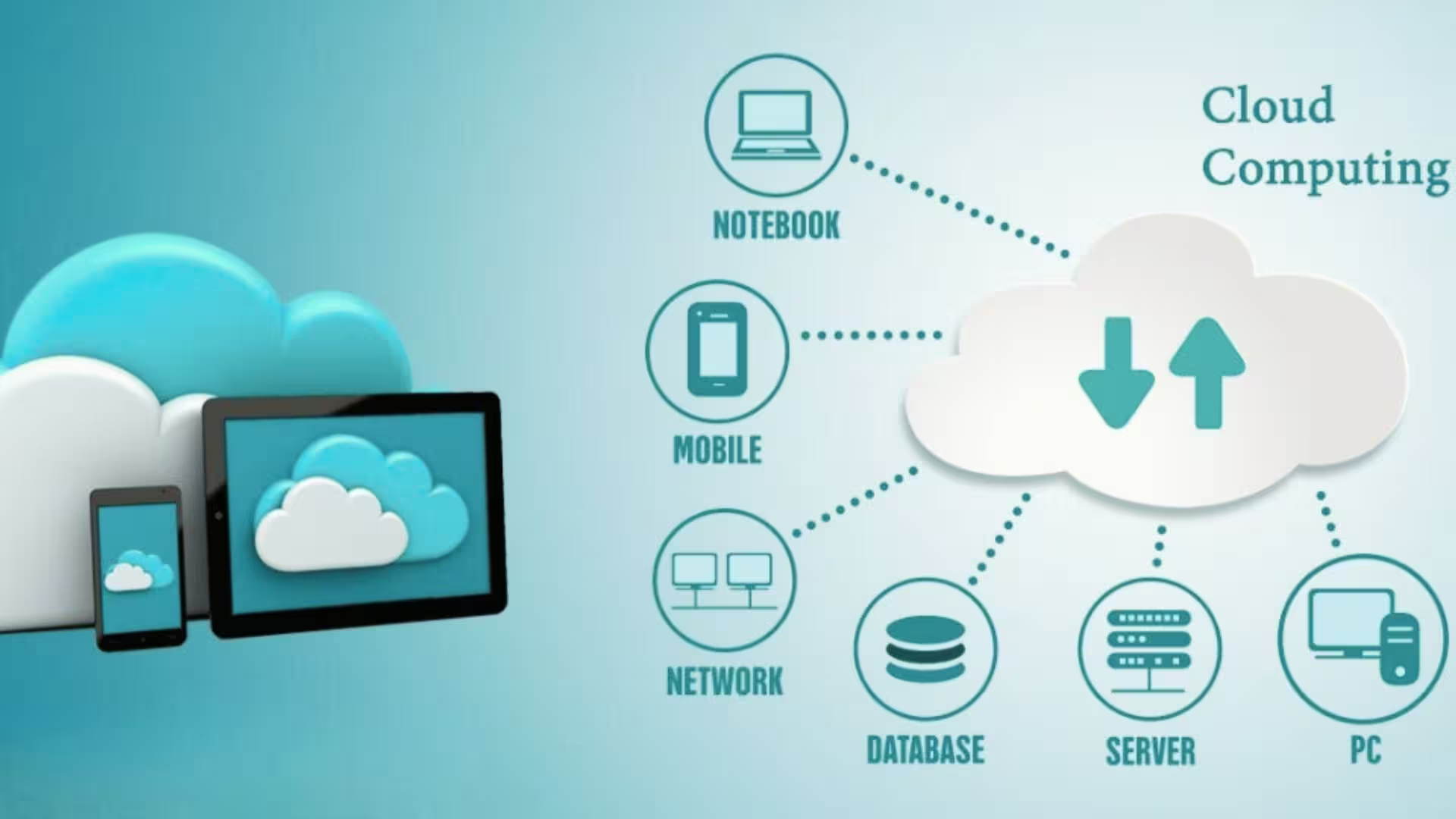
Cloud computing is the delivery of computing services over the internet. Instead of storing data on local computers or servers, users access servers, storage, databases, software, and networking remotely. Key points include:
- Resources are provided “as a service” over the internet.
- Users can access data and applications from anywhere.
- It supports pay-as-you-go models, reducing upfront costs.
Examples of cloud services include Google Drive, Dropbox, Microsoft Azure, and Amazon Web Services (AWS).
2. Key Benefits of Cloud Computing
Cloud computing provides several advantages for businesses and individuals:
a) Cost Savings
With cloud computing, there’s no need to buy and maintain expensive hardware. You pay only for the resources you use, reducing IT expenses significantly.
b) Scalability
Cloud platforms allow businesses to scale resources up or down based on demand. This is ideal for growing businesses or seasonal traffic spikes.
c) Accessibility
Cloud computing enables remote access, so employees and users can work from anywhere with an internet connection.
d) Security
Many cloud providers offer built-in security features, including encryption, regular backups, and access controls.
e) Collaboration
Cloud platforms make collaboration easier, allowing multiple users to work on the same files in real-time.
3. Risks of Cloud Computing
While cloud computing has benefits, there are risks users should be aware of:
- Data Security: Storing sensitive information online can be risky if proper encryption and access controls are not used.
- Downtime: Cloud services may experience outages that affect accessibility.
- Compliance Issues: Businesses must ensure cloud storage complies with regulations such as GDPR or HIPAA.
- Vendor Lock-In: Switching providers can be difficult due to compatibility or data migration challenges.
Understanding these risks helps businesses take proactive measures to secure their cloud environment.
4. Types of Cloud Computing
Cloud computing comes in three main types:
a) Infrastructure as a Service (IaaS)
Provides virtualized computing resources such as servers, storage, and networking. Examples: AWS EC2, Google Compute Engine.
b) Platform as a Service (PaaS)
Offers a platform for developers to build, test, and deploy applications without managing the underlying infrastructure. Examples: Heroku, Microsoft Azure App Service.
c) Software as a Service (SaaS)
Delivers software applications over the internet on a subscription basis. Examples: Google Workspace, Zoom, Slack.
You Can Also Read: cybersecurity-basics
5. Real-World Use Cases
Cloud computing is used across industries in various ways:
- Business Collaboration: Teams use cloud tools like Google Drive or Microsoft 365 for remote collaboration.
- Data Storage and Backup: Companies store large amounts of data securely without investing in physical servers.
- Web Hosting: Websites and apps are hosted on cloud servers for scalability and reliability.
- Artificial Intelligence and Analytics: AI tools and data analytics platforms leverage cloud computing for processing large datasets.
- Healthcare: Hospitals use cloud systems to manage patient records securely and enable telehealth services.
Cloud computing makes these processes faster, more efficient, and cost-effective.
6. Best Practices for Cloud Computing
To make the most of cloud computing while minimizing risks, follow these tips:
- Use strong passwords and enable two-factor authentication for cloud accounts.
- Regularly back up important data to multiple locations.
- Monitor and manage access permissions for team members.
- Choose reputable cloud providers with strong security and compliance standards.
- Stay informed about cloud updates and security patches.
Learning from experts can also help implement cloud strategies effectively. Platforms like nanouturf provide guidance on structured systems, data management, and workflow automation that can integrate with cloud computing.
Conclusion
Cloud computing has revolutionized how businesses and individuals manage data, collaborate, and access technology. Its benefits—cost savings, scalability, accessibility, security, and collaboration—make it an essential part of modern workflows. However, understanding the risks and following best practices is crucial for safe and efficient use.
By leveraging cloud computing thoughtfully, organizations and individuals can enhance productivity, reduce costs, and stay competitive in the digital world.